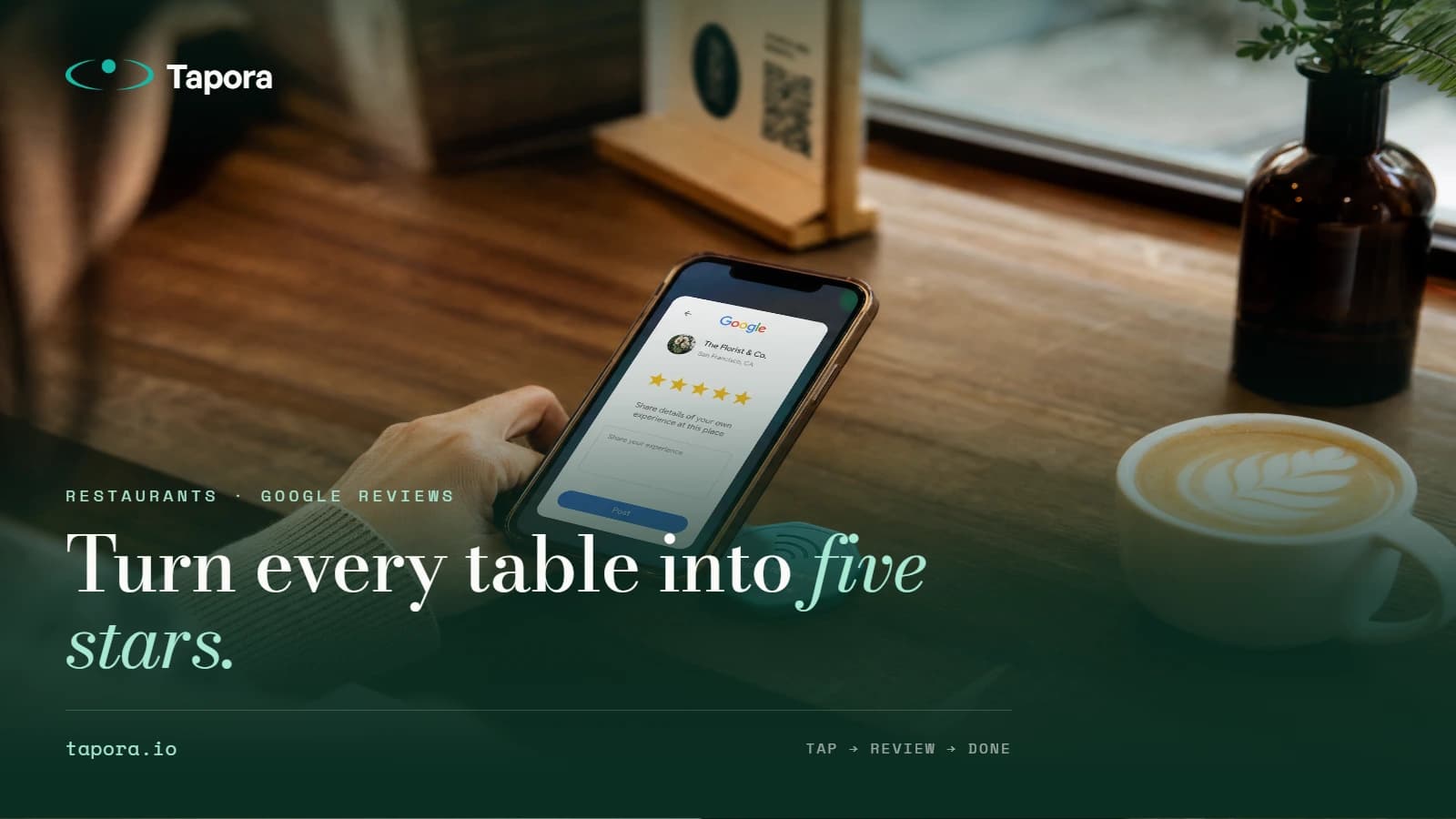
Turning Restaurant Tables Into Google Review Machines
Google reviews are the single biggest lever for local restaurant visibility — and the single hardest thing to get consistently. Happy diners leave, forget, and never come back to write. A small NFC badge on the table closes that gap.
By Tapora team
Google reviews are the single biggest lever for local restaurant visibility — and the single hardest thing to get consistently. Happy diners leave, forget, and never come back to write. A small NFC badge on the table closes that gap.
This post covers how restaurants are using Tapora review badges to lift review volume, what the placement looks like in practice, and the Google policy lines you must not cross.
Why timing is everything
A diner who had a great meal will think about leaving a review for about four minutes after the bill arrives — then the moment is gone. They walk out, hail a taxi, and the intent evaporates. A badge on the table closes the gap between intent and action: tap → review page → submit, all before the receipt is folded.
The placement that works
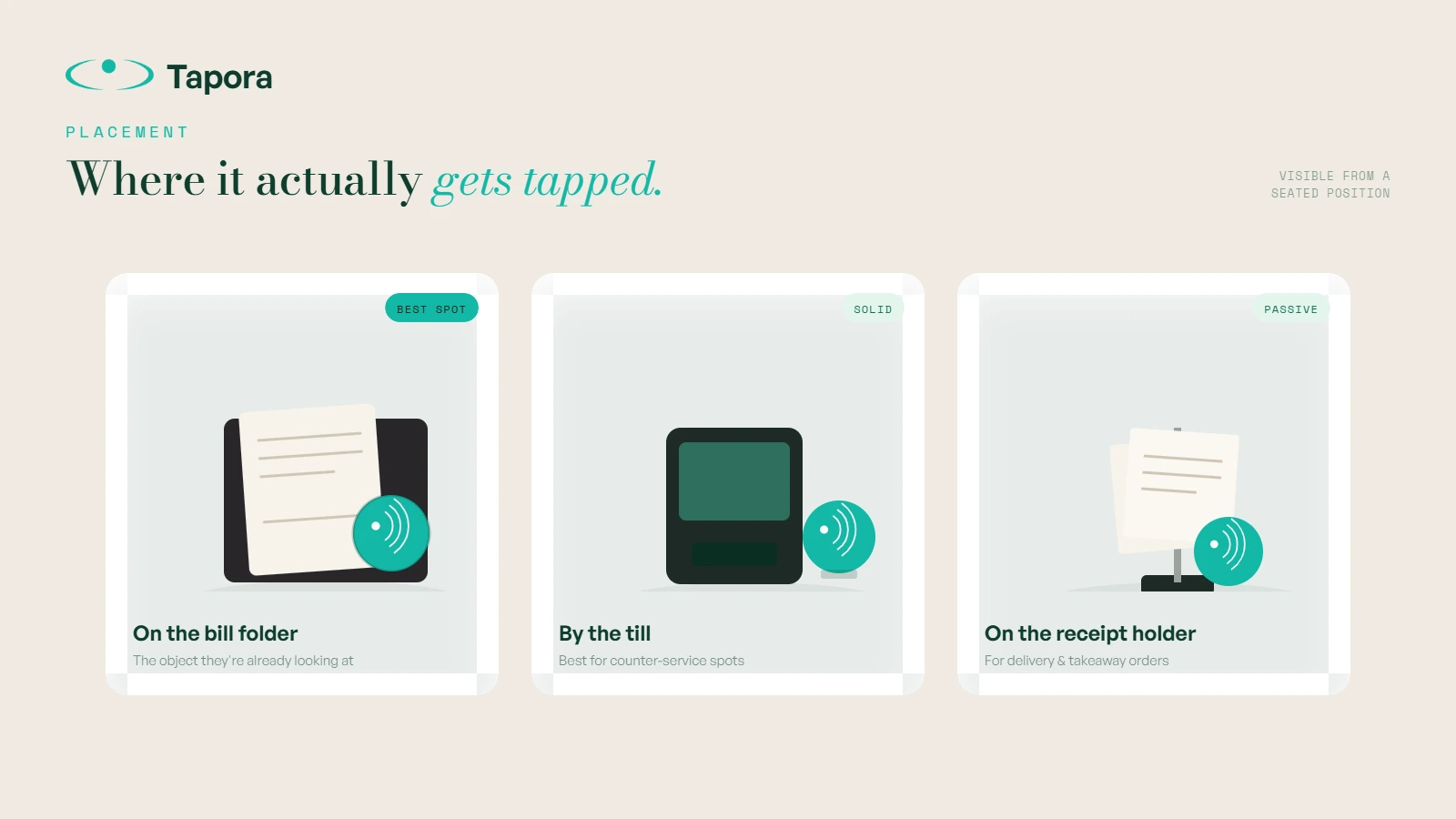
On the bill folder. Not on the table, not on the menu — on the bill folder, the one object the customer is already looking at, in the moment they're already evaluating the meal. A small "Enjoyed it? Tap to review" badge gets noticed almost universally.
Secondary placements that work:
- Near the till at counter-service spots
- On the back of the menu (less effective but passive)
- Attached to the receipt holder for delivery orders
What the tap actually does
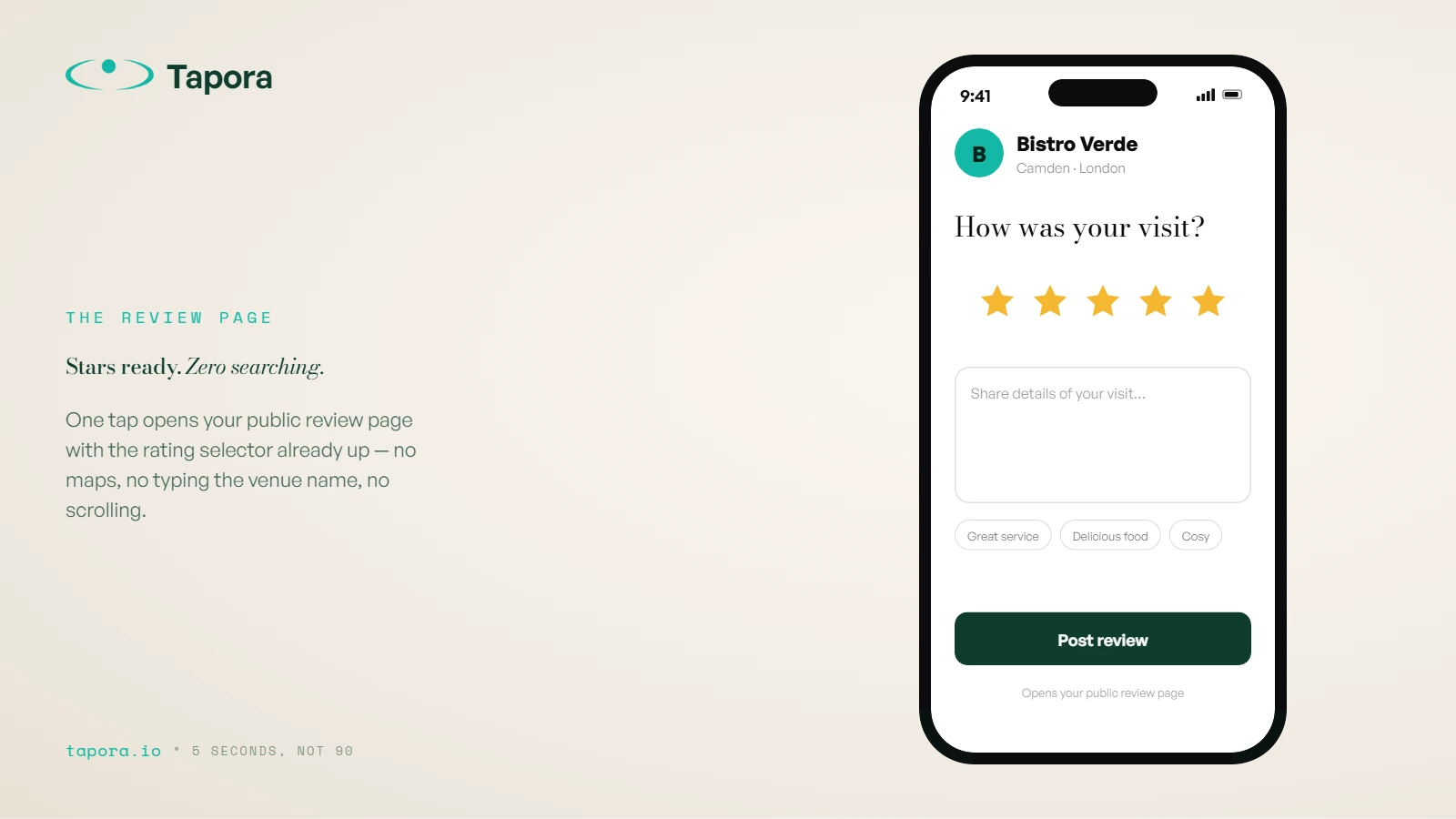
Tap → opens your Google review page with the star selector ready. No searching, no typing the restaurant name, no scrolling past photos. The friction drops from "find us on Google Maps" (90 seconds) to "tap the badge" (5 seconds).
Google's review-gating policy — read this carefully
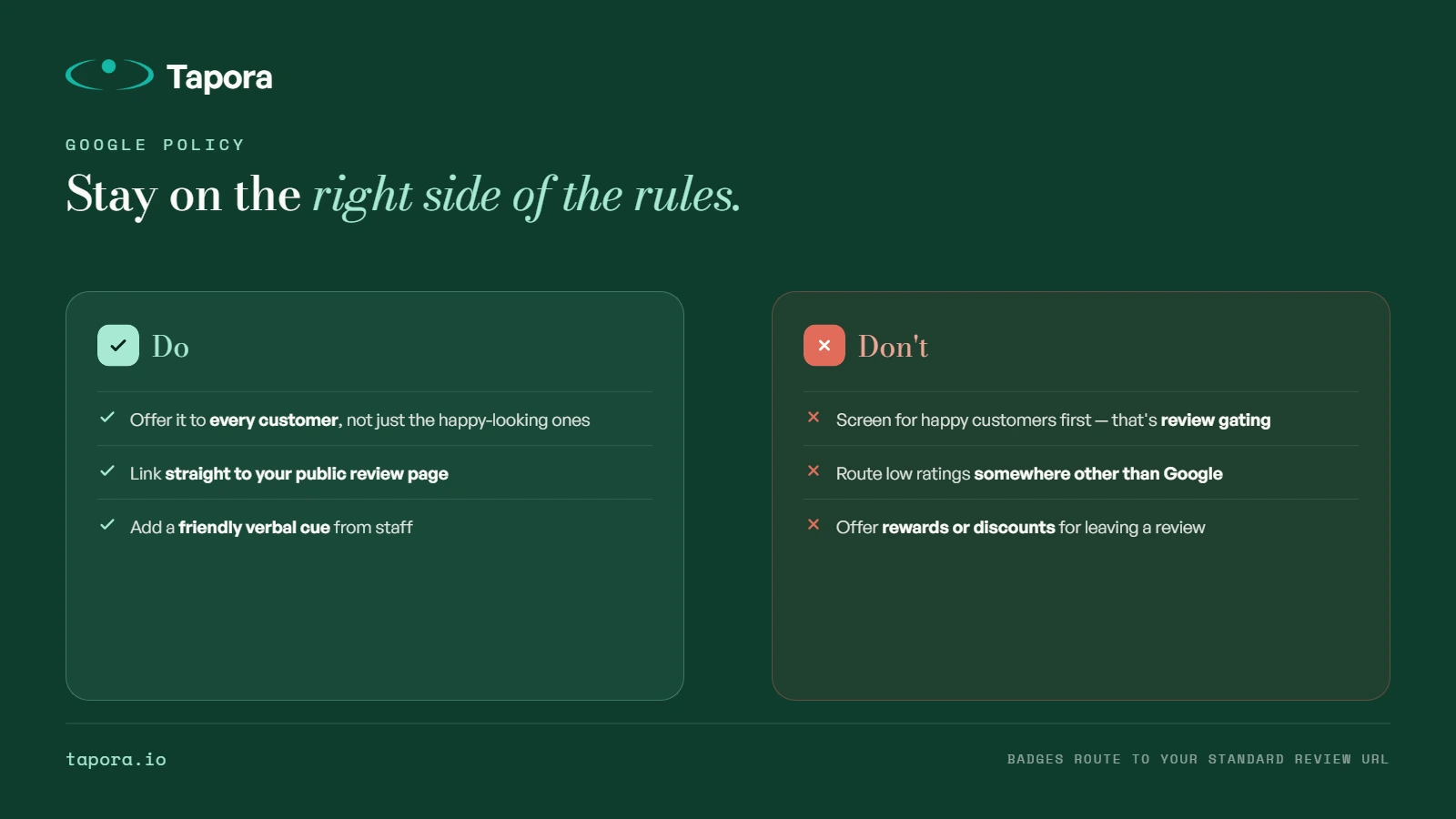
Google explicitly forbids "review gating" — only soliciting reviews from customers you think will leave a positive one, or routing 1-star intent away from Google. Your badge must:
- Be available to <em>every</em> customer, not just ones the server thinks are happy
- Lead straight to the public review page, not a "rate us first" filter
- Not offer rewards or discounts for leaving a review
Tapora badges route directly to your standard Google review URL. Just don't pair them with a "leave us 5 stars to get a free coffee" sign on the same table.
Measuring lift
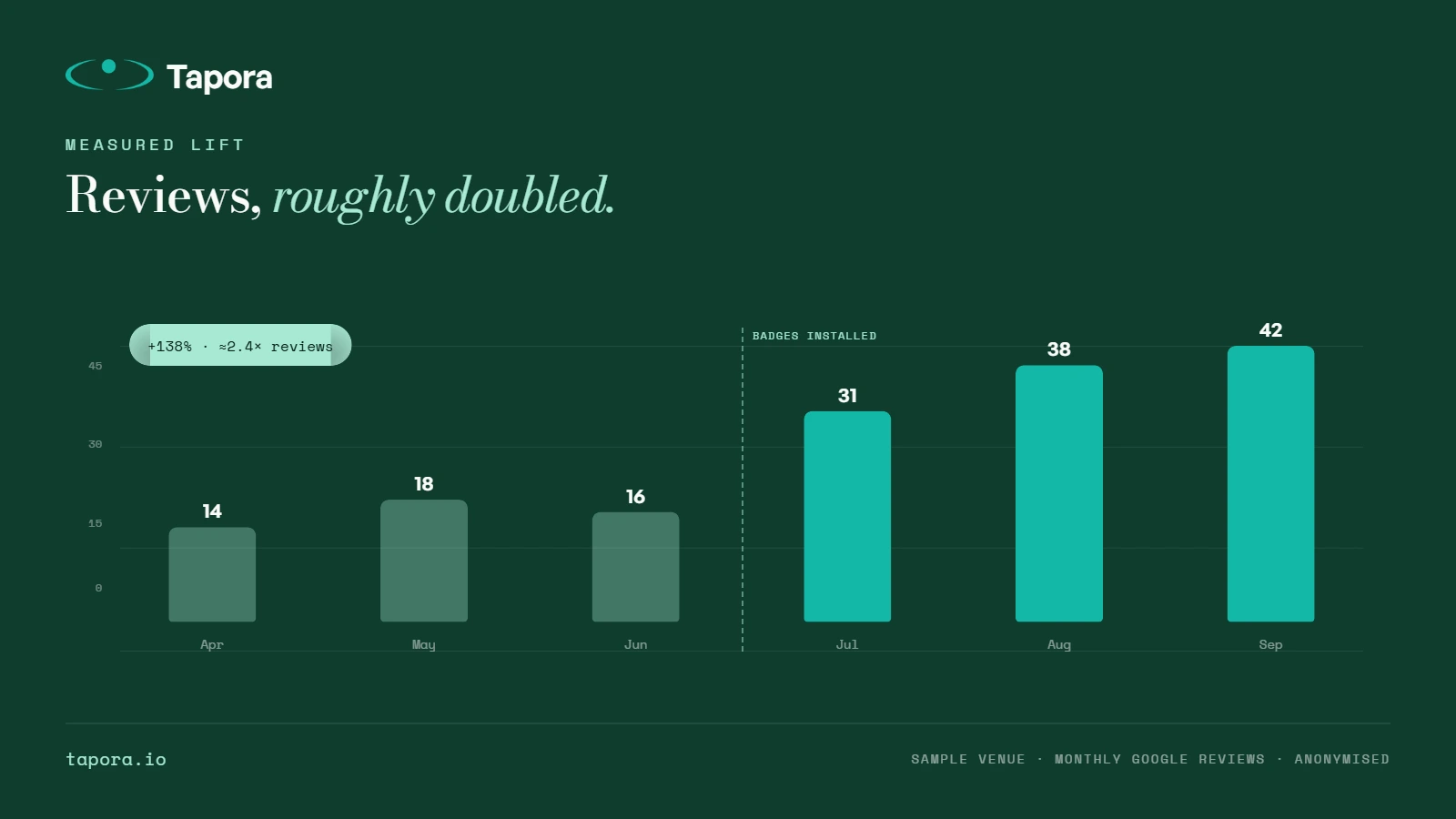
Before installing badges, screenshot your Google Business Profile review count and average rating. After 30 days, compare. Restaurants we've worked with typically see 2–4× monthly review volume in the first month — partly novelty, but the steady-state lift settles around 2× because the friction reduction is permanent.
What about multi-location chains?
Each location needs its own badge pointing to its own Google review URL — reviews are per-location, not per-brand. Tapora's dashboard supports multiple short URLs from one account, so a regional manager can issue badges per venue without losing oversight.
When badges underperform
- <strong>No staff prompt.</strong> A badge on the table without a server saying "if you have a second, there's a badge on the folder" gets ~40% the tap rate. The verbal cue triples it.
- <strong>Bad food.</strong> Badges don't fix the underlying experience. They amplify whatever signal already exists — so a struggling kitchen will see more 2-star reviews.
- <strong>Wrong placement.</strong> Hidden under the table edge or facing away gets ignored. Visible-from-seated-position is the rule.
Wrap-up
Google reviews are a momentum game — restaurants with more recent reviews rank higher, get more taps, get more reviews. A badge on every bill folder, paired with a short verbal cue from staff, compounds that loop. The technology is trivial; the discipline is putting it in front of every single customer.
Continue reading
Guides
One Link, Many Destinations: Using Redirect Kinds to Run Campaigns
The smartest thing you can do with an NFC tag is not hardcode the destination. Tapora links don't point to your final URL — they point to a short URL you control, which means the same physical tag can route to a menu in January, a Valentine's promo in February, and a Google re…
Guides
Shipping From Malta to the EU and Beyond: What to Expect
Tapora prints and ships every order from Malta. For customers in Malta itself, that means next-day delivery. For the EU, it usually means 3–5 working days. For the rest of the world, it depends — and this post explains exactly what to expect, what we charge, and how customs ar…
Guides
Designing an SVG Logo That Prints Cleanly at 30mm
A logo that looks great on a business card can disappear entirely on a 30mm keychain. Two-colour 3D printing has physical constraints that vector design doesn't — stroke widths, minimum feature sizes, and contrast all matter differently. This guide covers how to design (or fix…