How NFC Tags Actually Work (And Why Your Phone Just Knows)
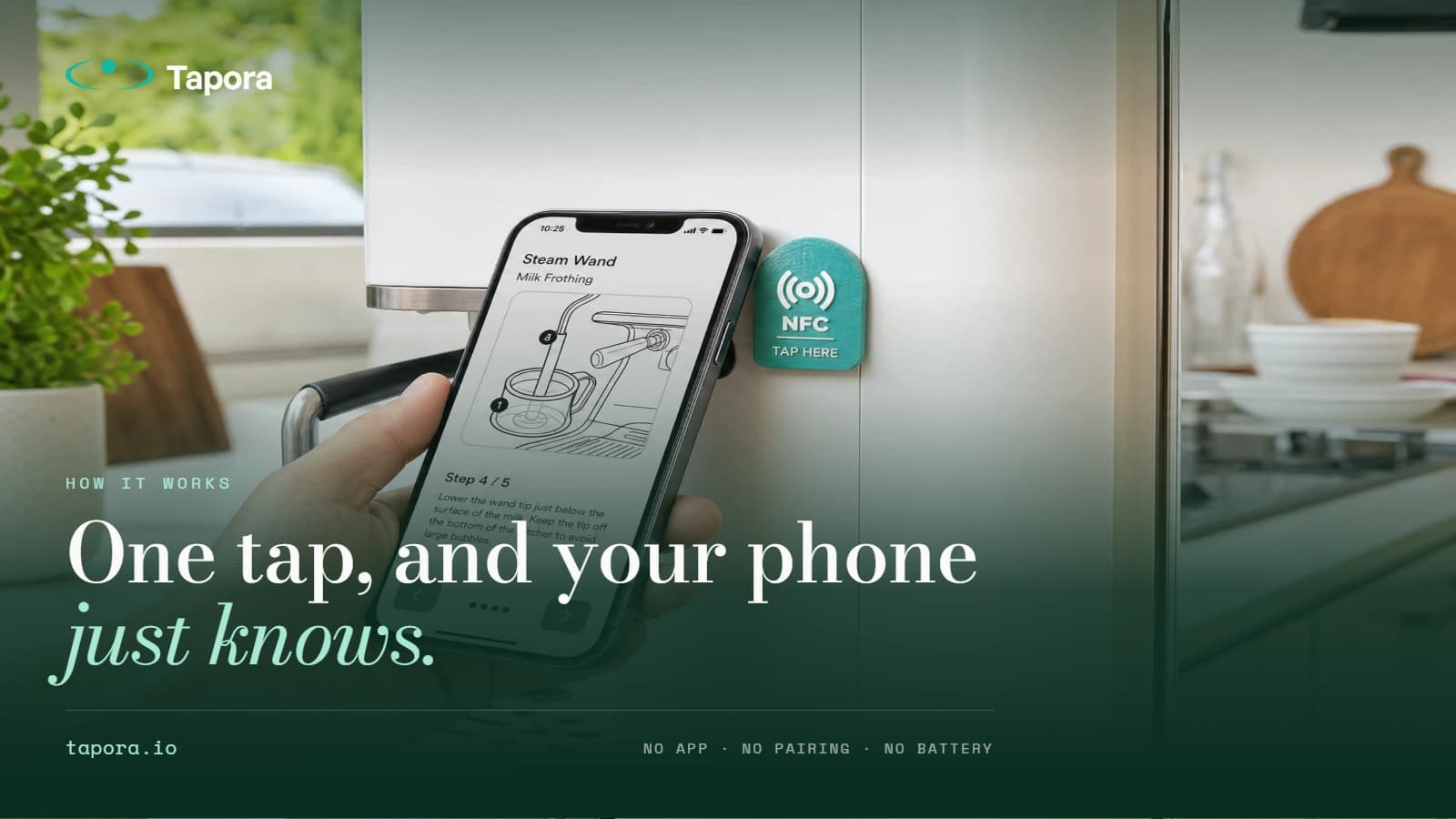
You tap your phone against a small plastic disc, and a website opens. No app. No Bluetooth pairing. No battery in the disc. It feels like magic — but it's actually a 40-year-old radio standard doing something very clever.
By Tapora team
You tap your phone against a small plastic disc, and a website opens. No app. No Bluetooth pairing. No battery in the disc. It feels like magic — but it's actually a 40-year-old radio standard doing something very clever.
This post breaks down what's inside an NFC tag, what happens in the half-second your phone is near it, and why that matters when you're choosing one for a product, a property, or a business card.
What's physically inside an NFC tag
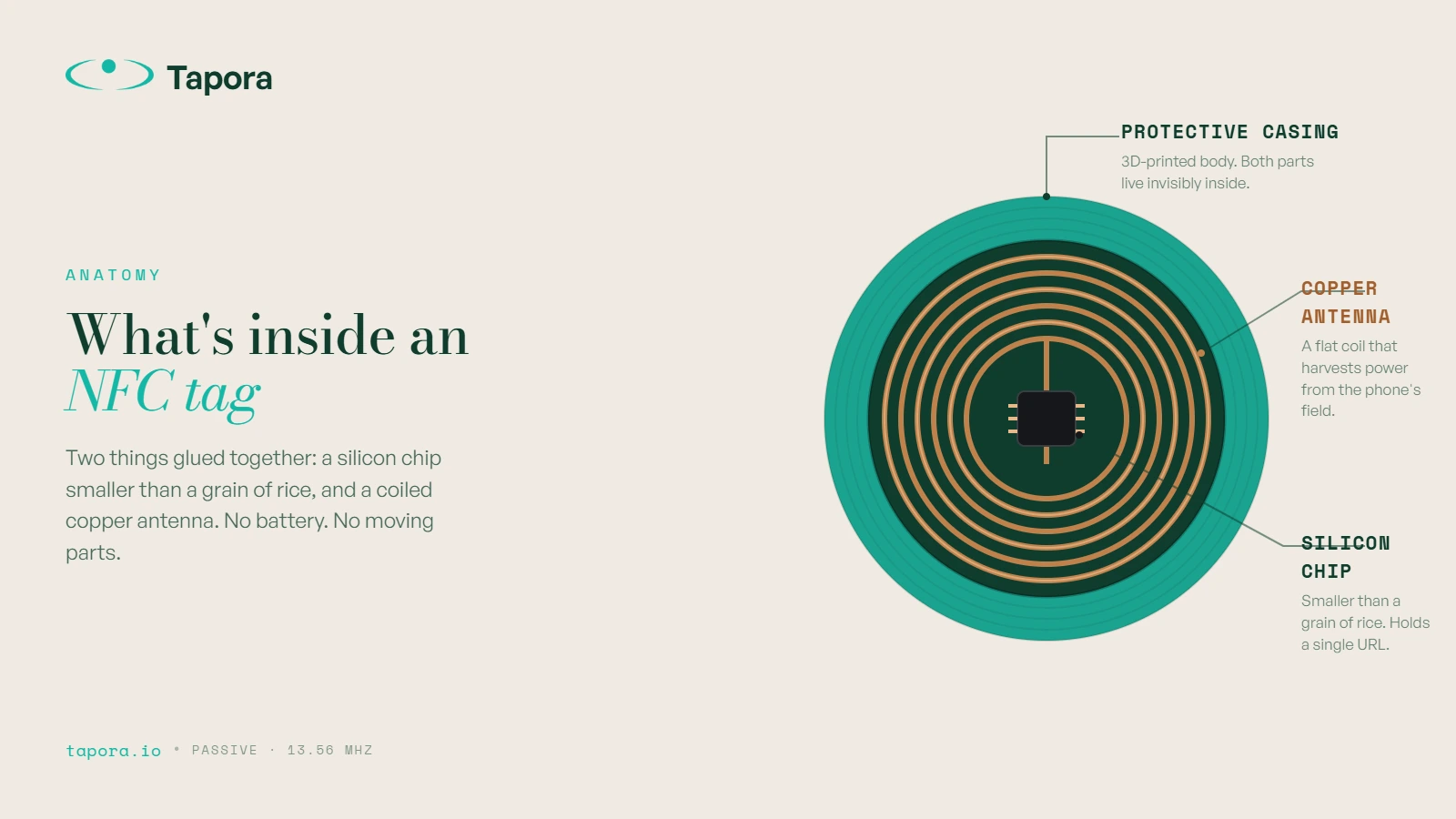
An NFC tag is two things glued together: a tiny silicon chip (smaller than a grain of rice) and a flat copper antenna coiled around it. That's it. No power source, no moving parts. In a Tapora keychain, both sit embedded inside the 3D-printed body, invisible from the outside.
How a passive tag gets power from your phone
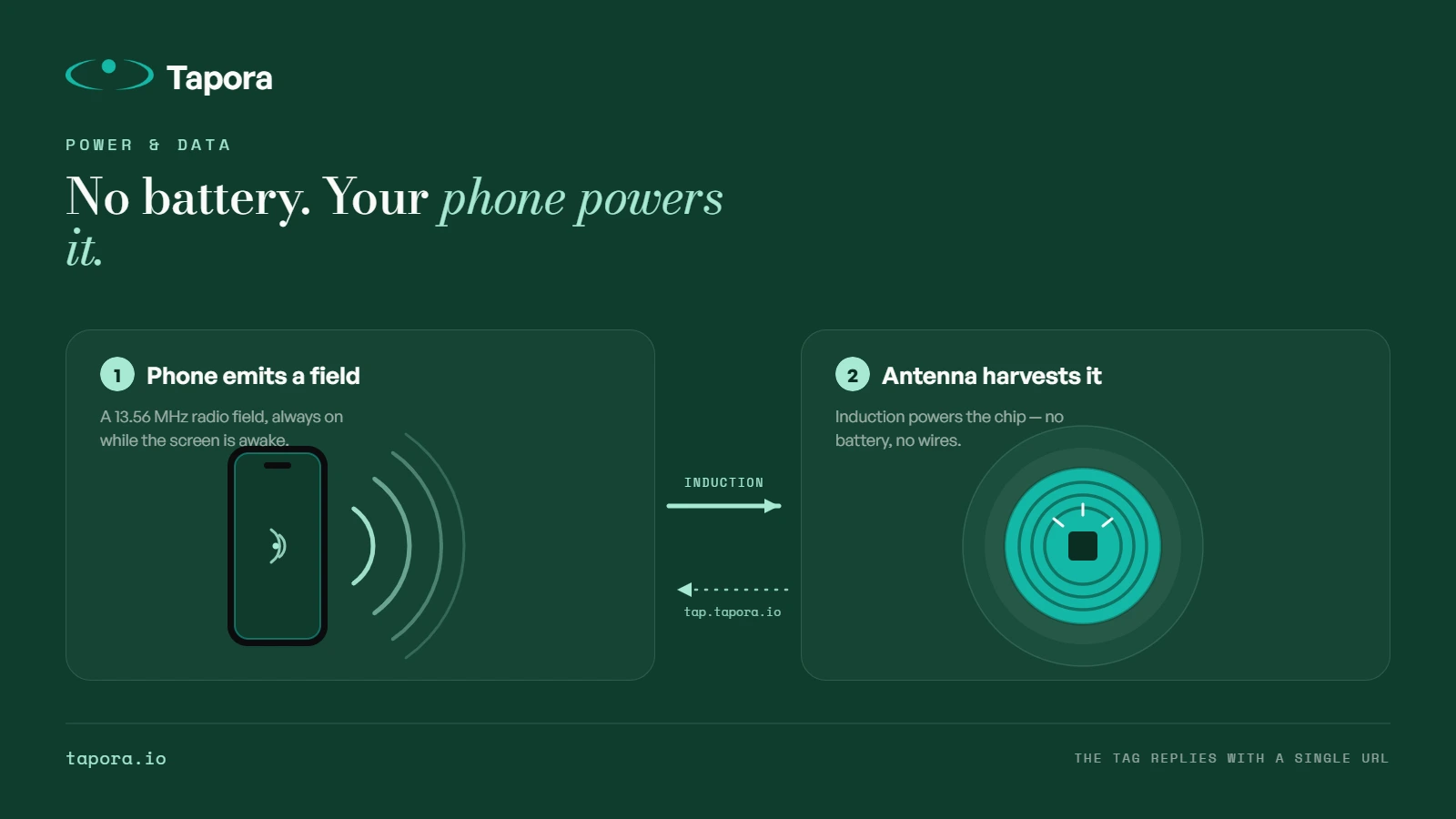
Your phone's NFC reader continuously emits a weak 13.56 MHz radio field. When the tag's antenna enters that field, it harvests just enough energy — by electromagnetic induction — to wake up the chip. The same trick that charges a wireless toothbrush, scaled down to microwatts.
What the chip actually sends back
Once powered, the chip transmits a short data record called an NDEF message. For most consumer tags, that record is a URL — something like https://tap.tapora.io/abc123. Your phone reads it, recognises it as a web link, and offers to open it.
Why no app is needed
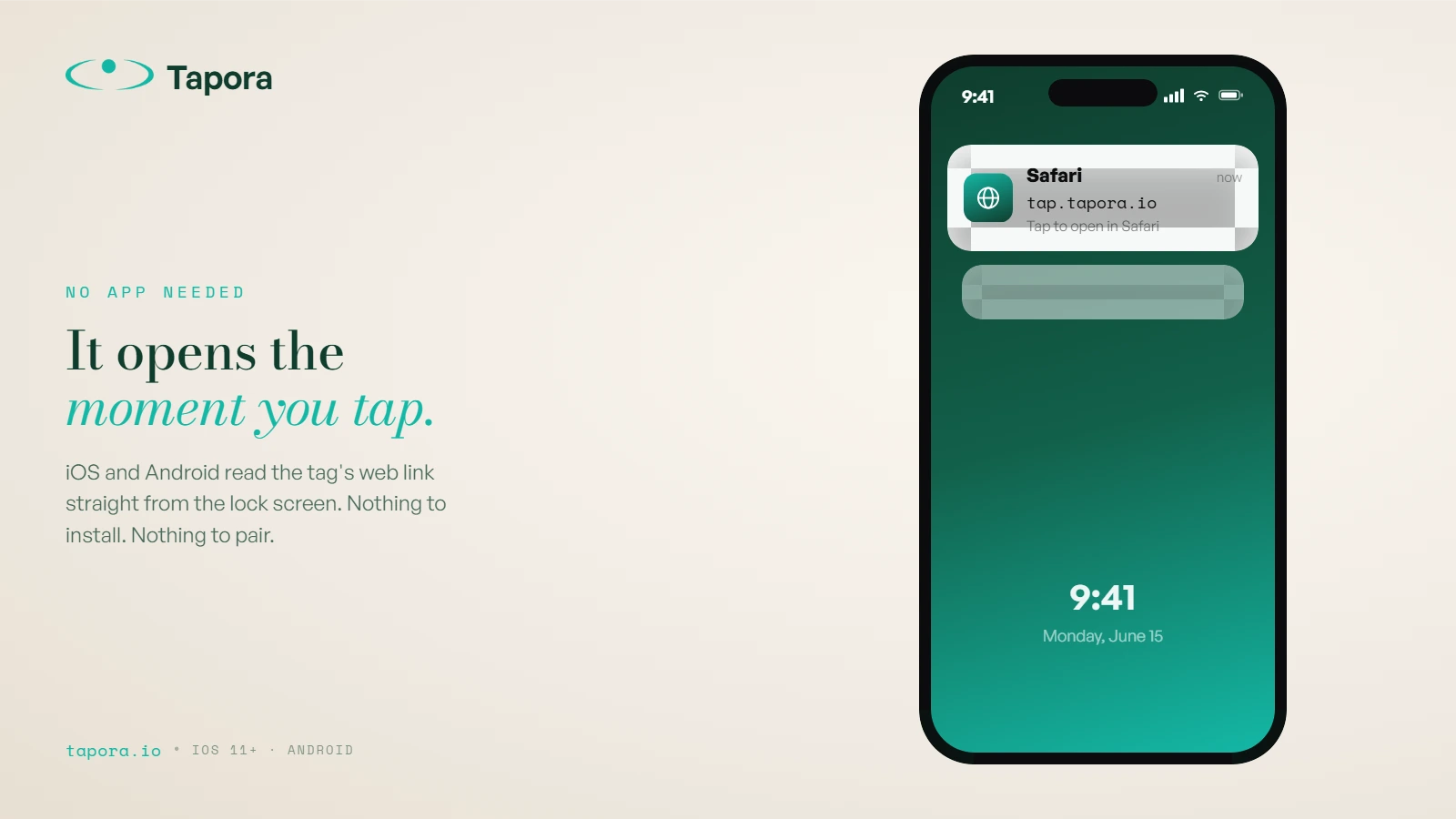
iOS (since iPhone 7) and every modern Android phone have a background NFC reader baked into the OS. When a URL-type NDEF message is detected, the OS surfaces it as a notification or opens the browser directly. The tag doesn't talk to an app — it talks to the operating system.
Read range, security, and what tags can't do
NFC's range is intentionally short: roughly 1–4 cm. That's a feature, not a limitation — it means tags can't be skimmed from across a room. Tags also can't track you, can't drain your battery, and can't run code on your phone. They just hand over a small piece of text.
Why this matters for what you put on a tag
Because the tag itself only holds a URL, the destination is what really counts. A static URL hardcoded into a tag is brittle — if your menu, listing, or contact details change, you'd need a new tag. That's why Tapora tags point to a short URL you control from a dashboard, so the destination can change while the tag stays put.
Wrap-up
NFC is a quiet, well-understood technology doing one job exceptionally well: handing a phone a single piece of information, instantly, with no setup. Understanding the mechanics makes it easier to design products around it — which is the whole reason Tapora exists.
Continue reading
Guides
One Link, Many Destinations: Using Redirect Kinds to Run Campaigns
The smartest thing you can do with an NFC tag is not hardcode the destination. Tapora links don't point to your final URL — they point to a short URL you control, which means the same physical tag can route to a menu in January, a Valentine's promo in February, and a Google re…
Guides
Shipping From Malta to the EU and Beyond: What to Expect
Tapora prints and ships every order from Malta. For customers in Malta itself, that means next-day delivery. For the EU, it usually means 3–5 working days. For the rest of the world, it depends — and this post explains exactly what to expect, what we charge, and how customs ar…
Guides
Designing an SVG Logo That Prints Cleanly at 30mm
A logo that looks great on a business card can disappear entirely on a 30mm keychain. Two-colour 3D printing has physical constraints that vector design doesn't — stroke widths, minimum feature sizes, and contrast all matter differently. This guide covers how to design (or fix…