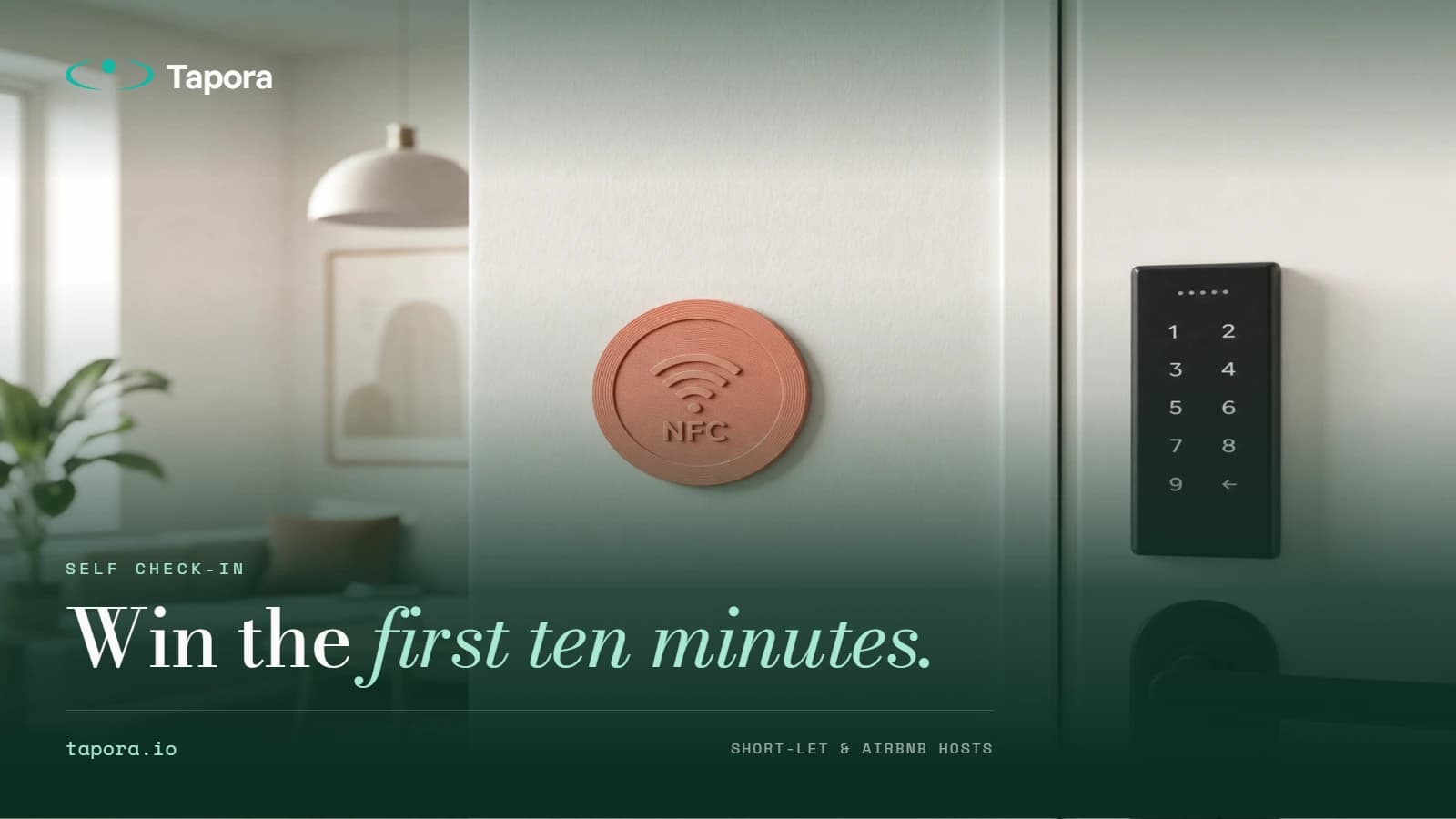
The Airbnb Host's Guide to a Frictionless Guest Check-In
Guests arriving at a short-let have one universal experience: they're tired, on unfamiliar streets, and just want the WiFi password. The hosts who get five-star reviews are the ones who remove every friction in that first ten minutes — and they're increasingly doing it with a …
By Tapora team
Guests arriving at a short-let have one universal experience: they're tired, on unfamiliar streets, and just want the WiFi password. The hosts who get five-star reviews are the ones who remove every friction in that first ten minutes — and they're increasingly doing it with a single tap.
This post walks through how short-let and Airbnb hosts use a Tapora Badge stuck near the door to deliver check-in info, WiFi, house rules, and local recommendations — and why it consistently outperforms printed welcome books.
The first-ten-minutes problem
The worst-reviewed self check-ins fail on small things: a code that didn't work, a WiFi name guests can't find, a heating control they can't decode. None of these are big problems individually — but each one means messaging the host, waiting, feeling unwelcome. By the time guests sit down, the experience has already slipped from "magical stay" to "fine, I guess."
What hosts put behind a single tap
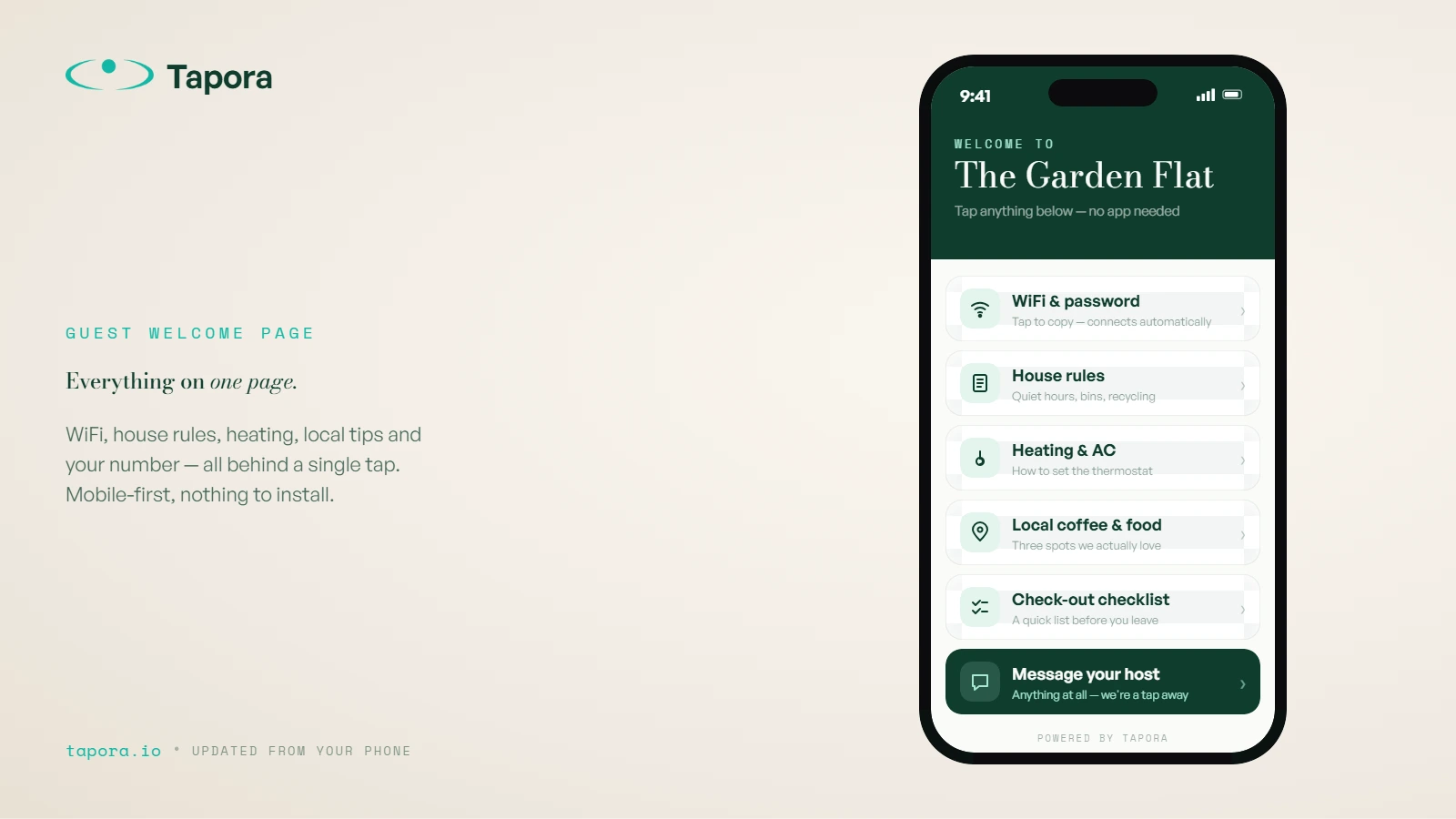
A Tapora Badge by the door, on the fridge, or on the bedside table can route to a multi-link page containing:
- WiFi name + password (one-tap copy)
- Heating/AC instructions
- Bin day and recycling rules
- Check-out checklist
- A map of three nearby coffee spots you actually like
- The host's WhatsApp for anything else
Everything on one page, mobile-first, no app install.
Why this beats a printed welcome book
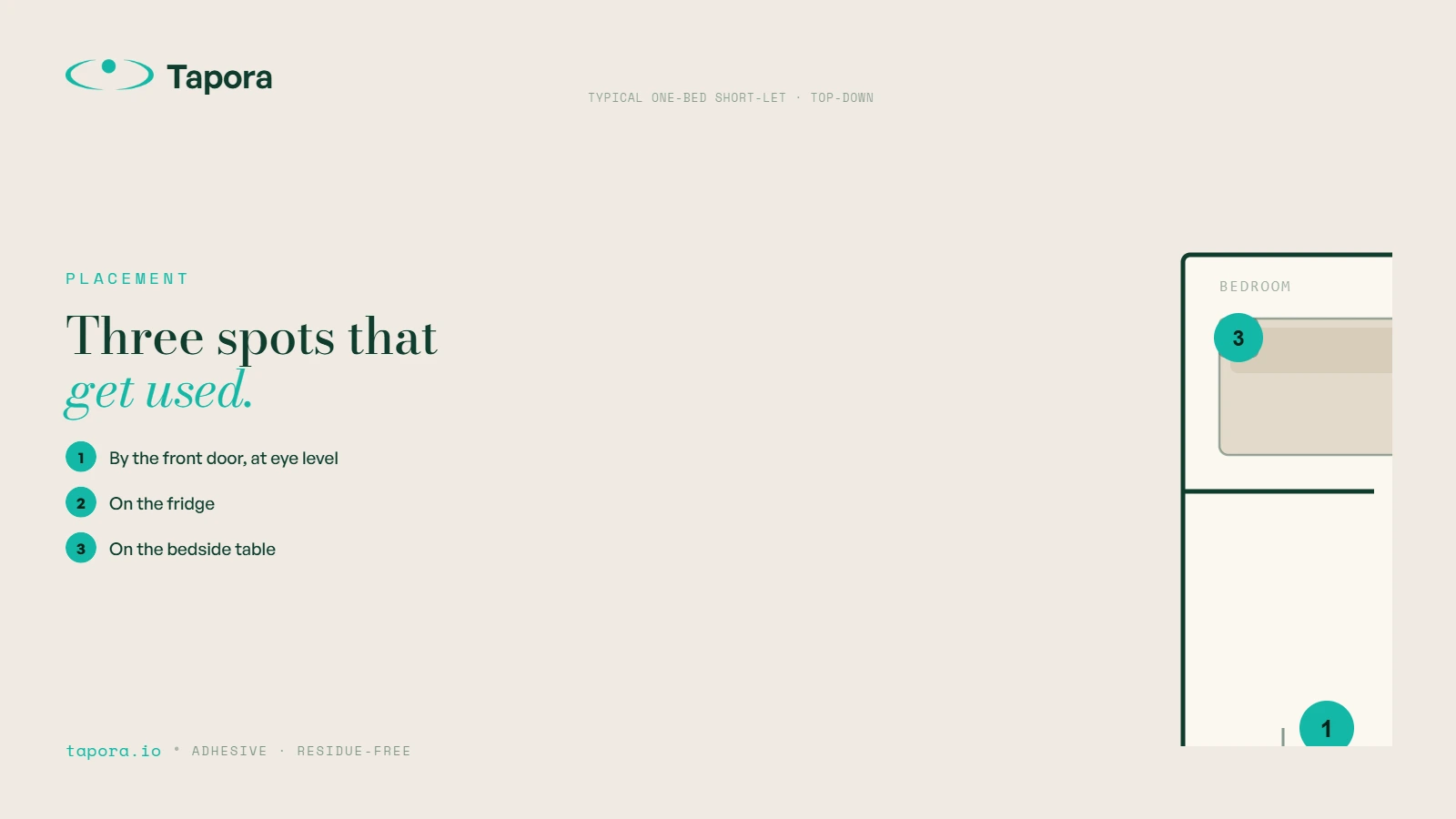
Welcome books get lost, get coffee-stained, and go out of date the moment your favourite restaurant closes. A digital page behind a tap can be updated from your phone in 30 seconds — the badge on the wall doesn't change. Guests who never opened the binder will tap a badge that says "WiFi + Guide".
Placement that actually gets used
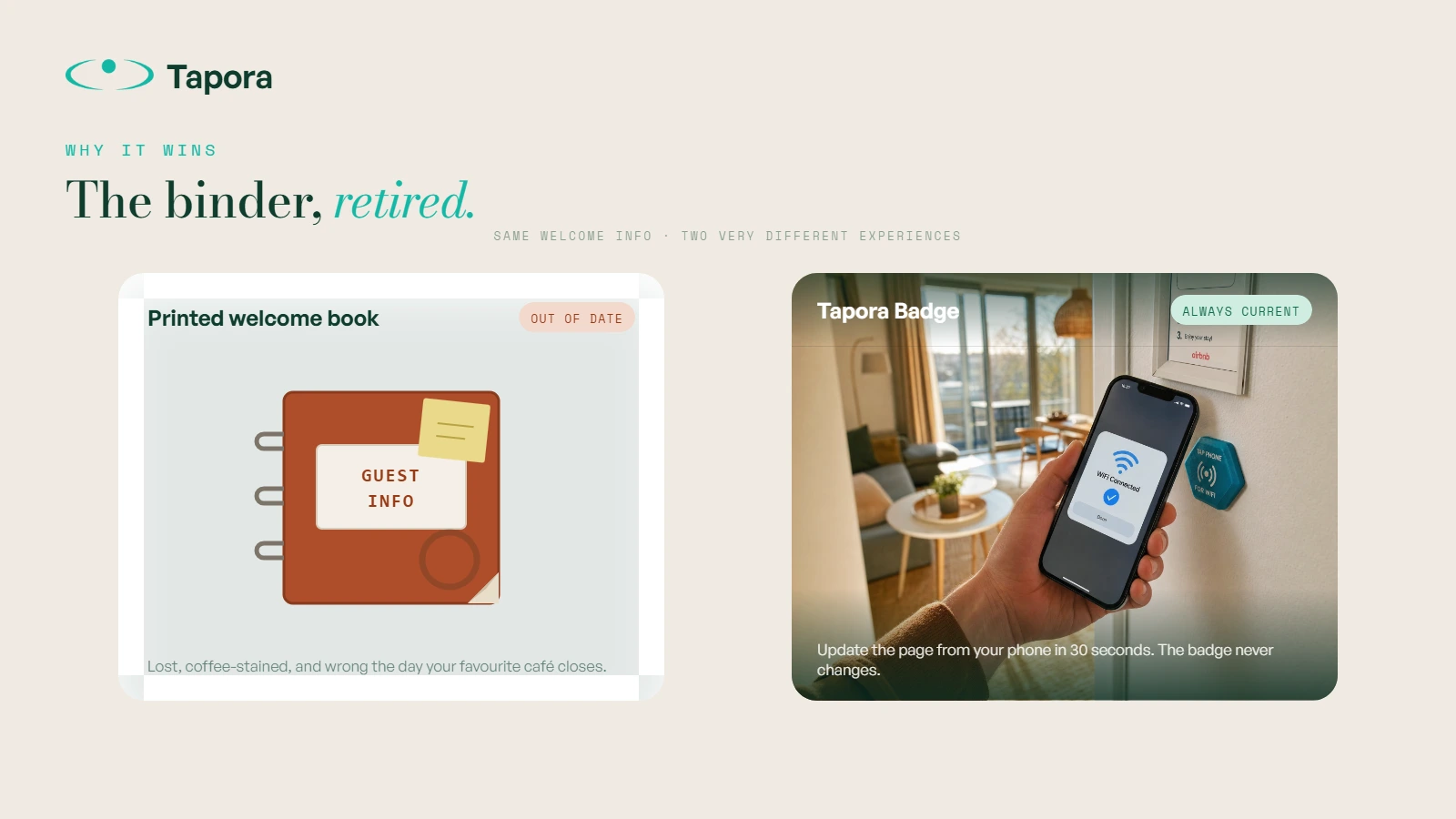
- <strong>By the front door, eye level.</strong> First thing guests see after dropping bags.
- <strong>On the fridge.</strong> They'll be there within 20 minutes for water.
- <strong>On the bedside table.</strong> Late-arrival guests skip the kitchen entirely.
Tapora Badges have an adhesive backing and stick to painted walls, tile, glass, and laminate without leaving residue.
Multi-property hosts: one dashboard, many badges
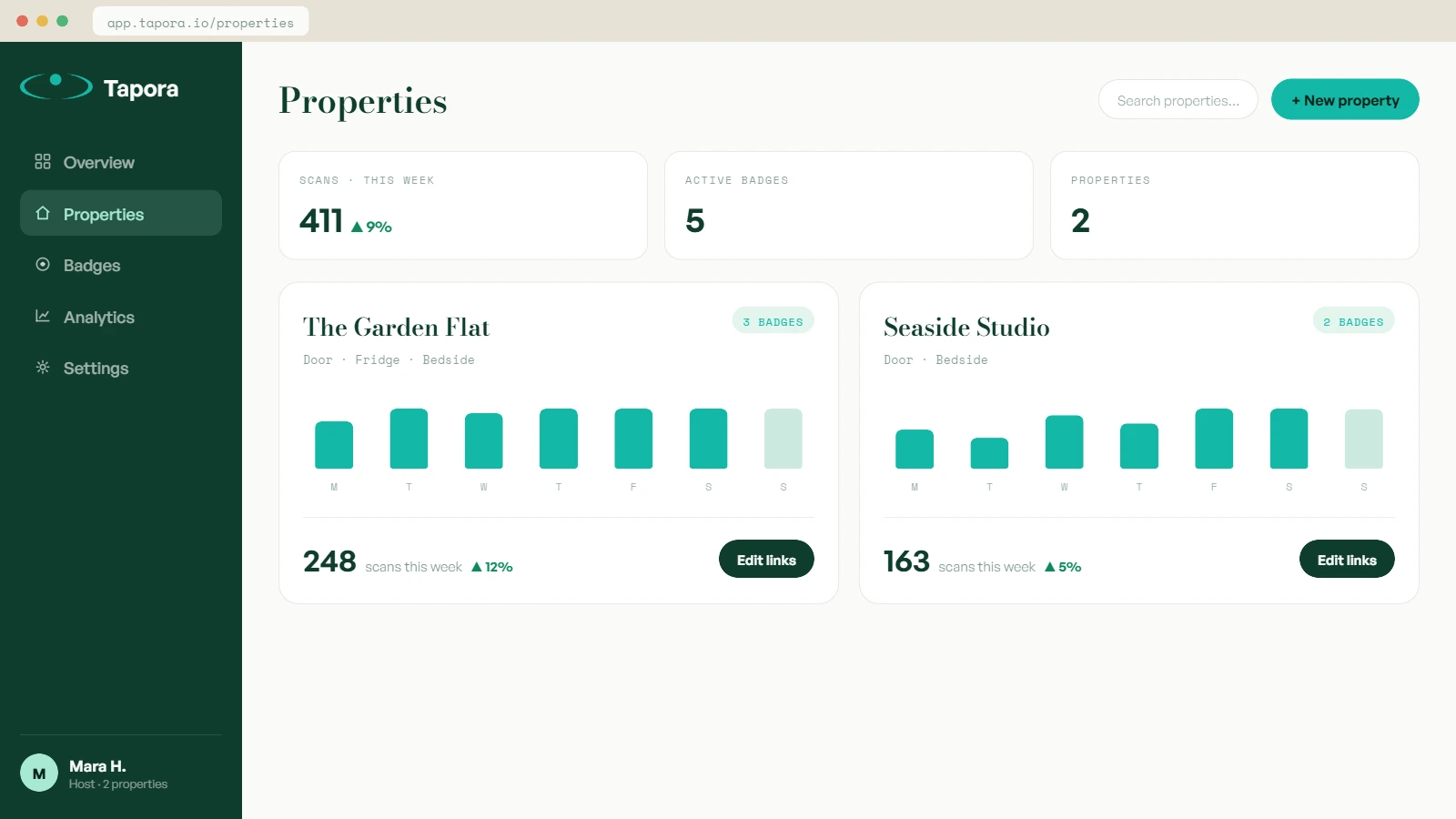
If you run more than one property, each badge points to its own short URL. From the Tapora dashboard you can update Property A's WiFi without touching Property B, and see scan analytics per property — useful for spotting which listings have guests who actually engage with the welcome info vs which are message-the-host types.
Updating the destination without changing the badge
The badge is physical; the destination is digital. Change your WiFi password? Update the link page. Switched cleaning crews and changed the bin schedule? Update the link page. The badge on the wall never needs touching.
What to *not* put on the page
Don't list emergency numbers as the only contact — local emergency services should be visible offline too (printed by the door). Don't lock essential check-in steps behind a tap — if the door code is on the badge and a guest's phone is dead, they're stranded. NFC supplements, not replaces, the basics.
Wrap-up
The hosts winning on review scores aren't doing anything dramatic — they're removing one tiny friction at a time. A Tapora Badge inside the front door turns the worst part of a stay (the confused first ten minutes) into the part guests mention positively in reviews.
Continue reading
Guides
One Link, Many Destinations: Using Redirect Kinds to Run Campaigns
The smartest thing you can do with an NFC tag is not hardcode the destination. Tapora links don't point to your final URL — they point to a short URL you control, which means the same physical tag can route to a menu in January, a Valentine's promo in February, and a Google re…
Guides
Shipping From Malta to the EU and Beyond: What to Expect
Tapora prints and ships every order from Malta. For customers in Malta itself, that means next-day delivery. For the EU, it usually means 3–5 working days. For the rest of the world, it depends — and this post explains exactly what to expect, what we charge, and how customs ar…
Guides
Designing an SVG Logo That Prints Cleanly at 30mm
A logo that looks great on a business card can disappear entirely on a 30mm keychain. Two-colour 3D printing has physical constraints that vector design doesn't — stroke widths, minimum feature sizes, and contrast all matter differently. This guide covers how to design (or fix…