One Link, Many Destinations: Using Redirect Kinds to Run Campaigns
The smartest thing you can do with an NFC tag is not hardcode the destination. Tapora links don't point to your final URL — they point to a short URL you control, which means the same physical tag can route to a menu in January, a Valentine's promo in February, and a Google re…
By Tapora team
The smartest thing you can do with an NFC tag is not hardcode the destination. Tapora links don't point to your final URL — they point to a short URL you control, which means the same physical tag can route to a menu in January, a Valentine's promo in February, and a Google review prompt in March. This post walks through how to use redirect kinds to run real campaigns without ever touching the badge again.
The wrong way: hardcoded destinations
Many NFC products write the final URL directly to the chip. The moment your menu, listing, or promo changes, the tag is dead — you'd need to reprogram it, which most users can't do, or replace it entirely.
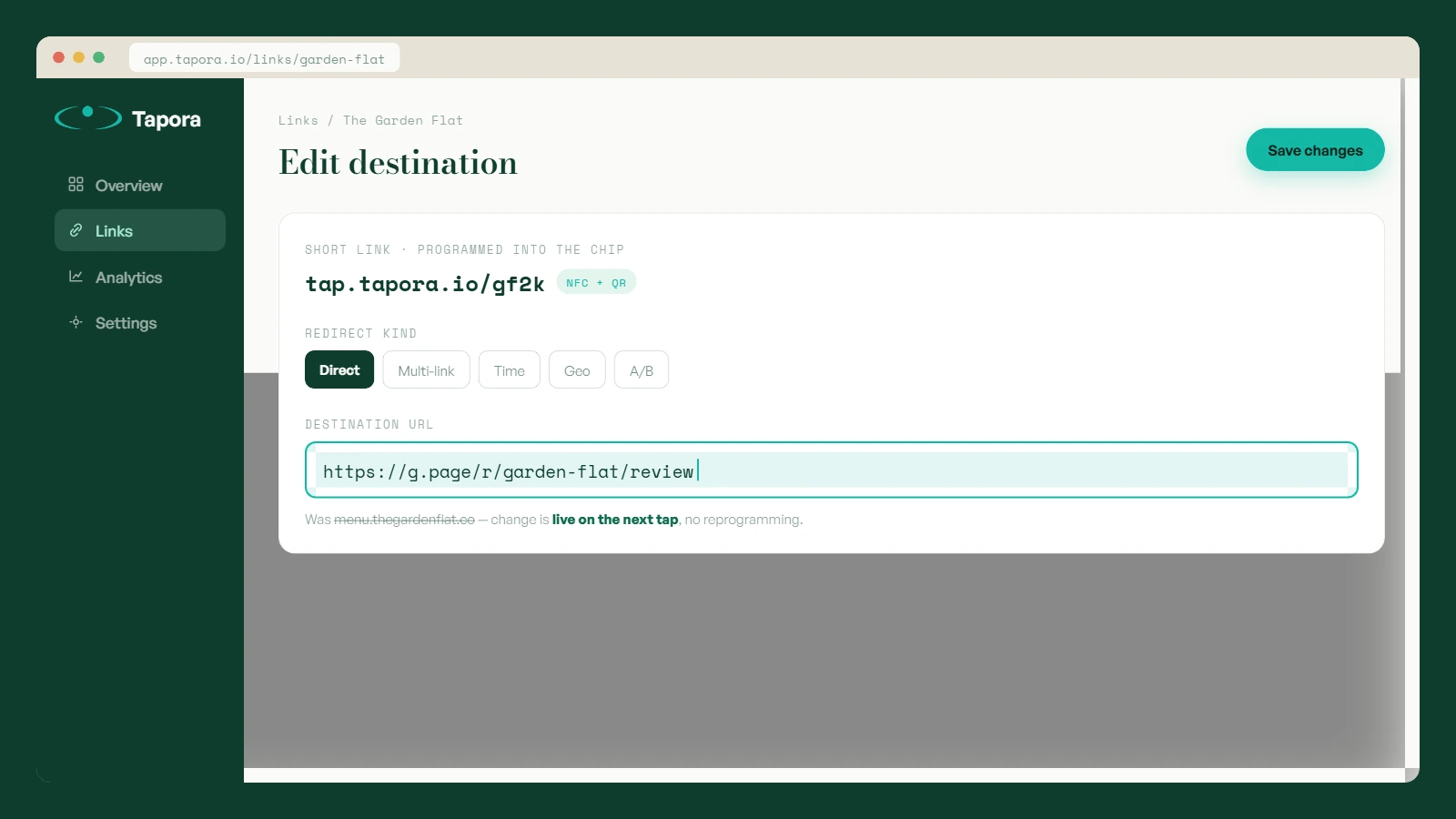
Tapora's chips are programmed with a short URL (tap.tapora.io/<code>) that resolves through our redirect service. Change the destination from the dashboard, and the next tap goes to the new place. The chip itself is untouched.
Redirect kinds explained
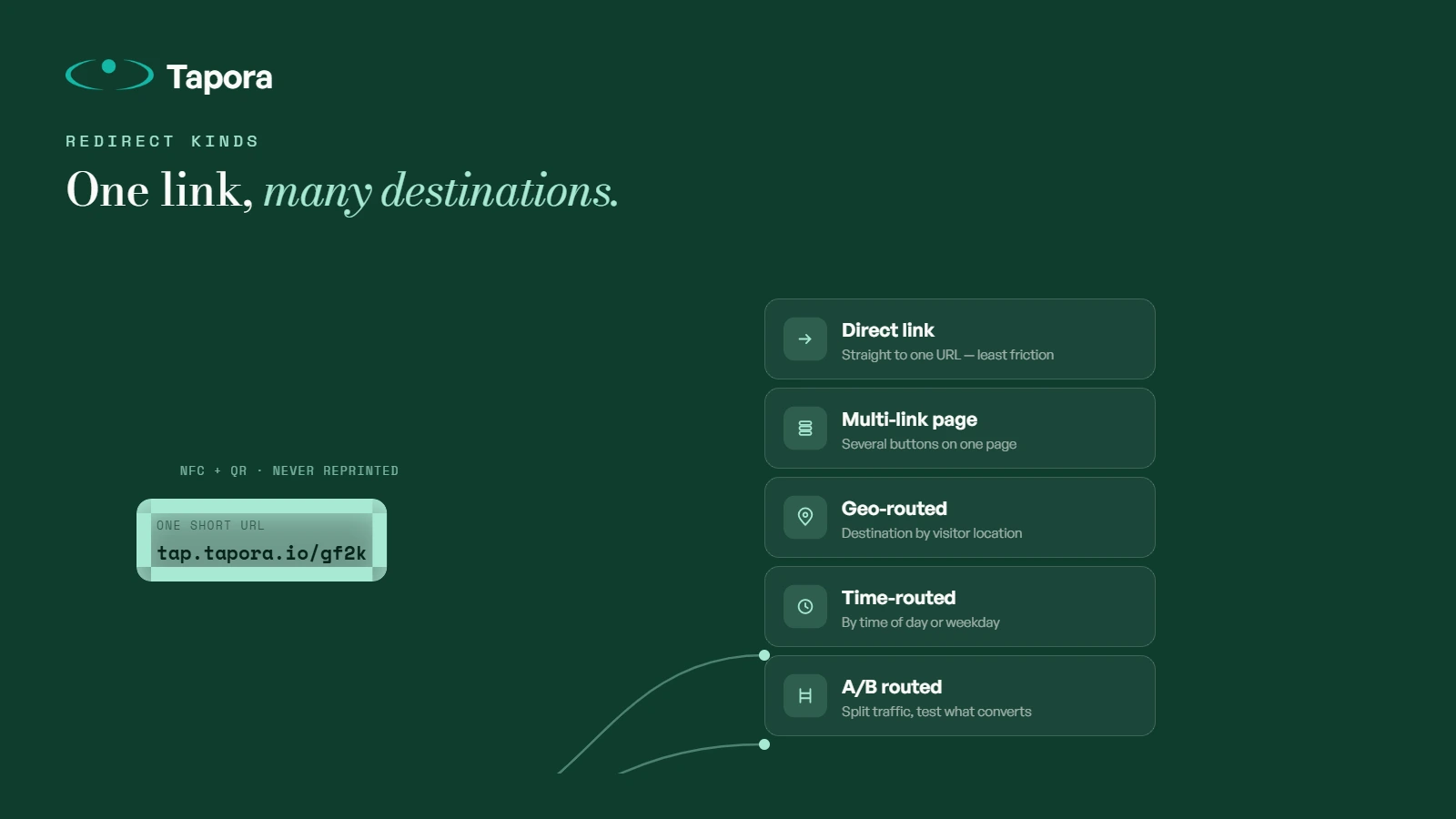
A Tapora link page supports several redirect kinds — different behaviours for what happens when someone taps:
- <strong>Direct link</strong> — straight redirect to a single URL (menu, review page, vCard download). Fastest, least friction.
- <strong>Multi-link page</strong> — a small landing page with multiple buttons (WiFi, House Rules, Contact). For situations where the tap needs to fan out to several destinations.
- <strong>Geo-routed</strong> — different destinations based on visitor location. Useful for multi-region campaigns.
- <strong>Time-routed</strong> — different destinations based on time of day or day of week. Lunch menu vs dinner menu, weekday vs weekend.
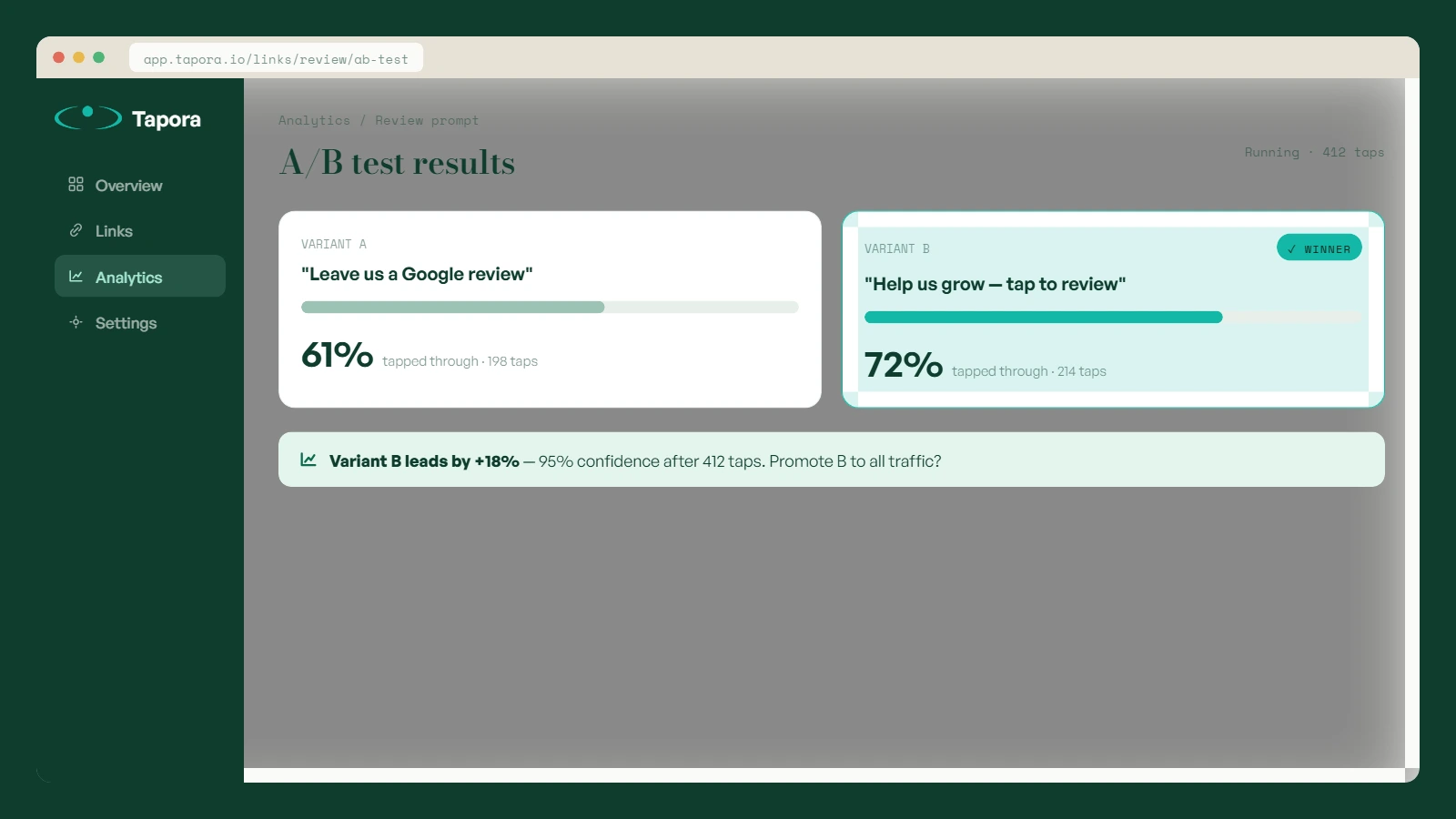
- <strong>A/B routed</strong> — splits visitors between two destinations to test which performs better.
Real campaign example: a restaurant launch week
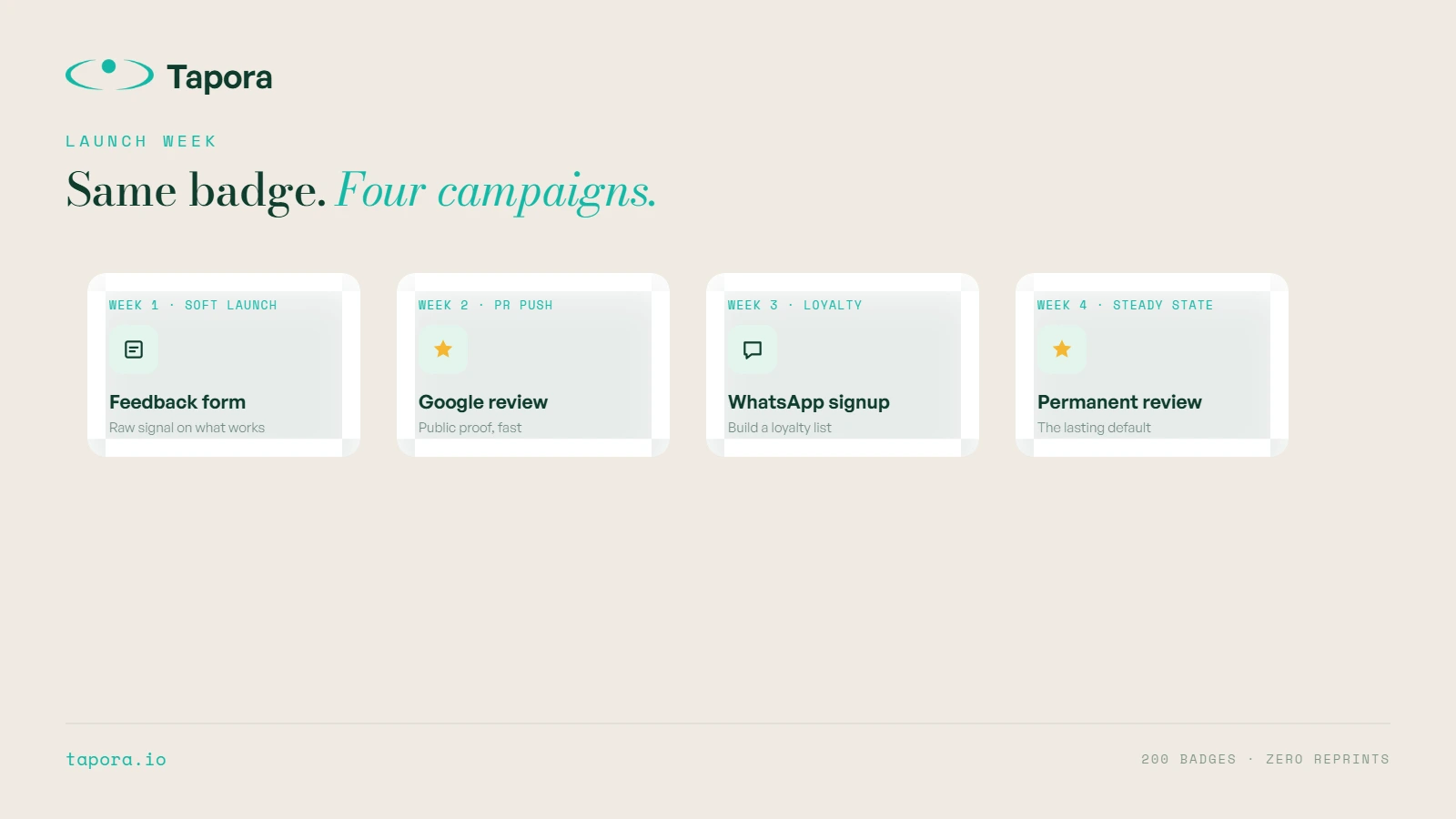
A new restaurant ships 200 badges with their bills. Same physical badges across all 200 — but the destination changes weekly:
- <strong>Week 1 (soft launch):</strong> badge → feedback form. They want raw signal on what works.
- <strong>Week 2 (PR push):</strong> badge → "leave us a Google review" page. They want public proof.
- <strong>Week 3 (loyalty):</strong> badge → WhatsApp signup for a loyalty list.
- <strong>Week 4 (steady state):</strong> badge → permanent Google review prompt.
Same badges. Four campaigns. Zero reprinting. The data on what worked feeds future strategy.
Real campaign example: a real estate agent
An agent uses one keychain across the year:
- <strong>Active viewings:</strong> keychain → current listing details
- <strong>Listing sold:</strong> keychain → "similar properties available now"
- <strong>Holiday season:</strong> keychain → personal greeting + new-year market report
- <strong>Permanent fallback:</strong> keychain → vCard + booking link
The recipient who pocketed the keychain in March still gets relevant content in November.
Time-routed example: a café
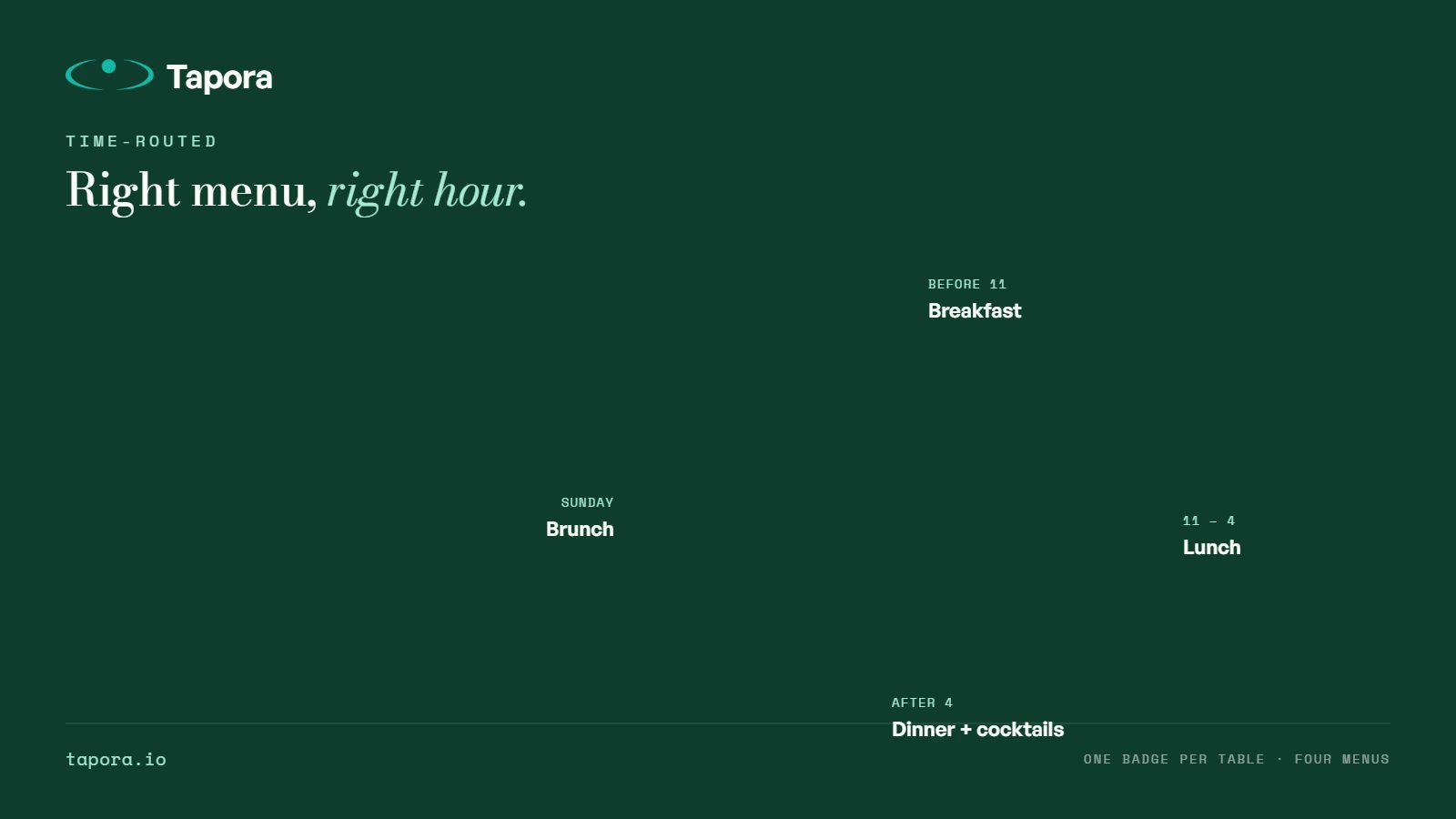
- <strong>Before 11am:</strong> breakfast menu
- <strong>11am–4pm:</strong> lunch menu
- <strong>After 4pm:</strong> dinner + cocktails
- <strong>Sunday:</strong> brunch menu
One badge per table, four destinations across the day. Customers always land on what's actually available.
A/B testing without engineering
Want to know whether "Leave us a Google review" or "Help us grow — tap to review" gets more clicks? Set the redirect kind to A/B, pick the two destination URLs, watch the dashboard. After ~200 taps you have a statistically meaningful answer.
What this means for marketing teams
The badge or keychain becomes a channel, not an artefact. Once it's deployed, you can run marketing campaigns through it the same way you'd run a paid social campaign — except the audience already opted in by tapping. Owned, addressable, and updateable.
Limits worth knowing
- Changes take effect on the <em>next</em> tap — no propagation delay.
- Caching: if a user tapped your tag yesterday and went to URL A, their browser may have cached the redirect. Use redirect kinds that don't cache aggressively for time-sensitive campaigns.
- Geo-routing relies on IP — VPN users may land in the wrong bucket. Rare, but a known limit.
Wrap-up
A static NFC tag does one thing forever. A dynamic NFC link does whatever you decide it should do this week, this hour, this campaign. The hardware is the same — the difference is whether you treat the tag as an artefact or as a channel. Treat it as a channel.
Continue reading
Guides
Shipping From Malta to the EU and Beyond: What to Expect
Tapora prints and ships every order from Malta. For customers in Malta itself, that means next-day delivery. For the EU, it usually means 3–5 working days. For the rest of the world, it depends — and this post explains exactly what to expect, what we charge, and how customs ar…
Guides
Designing an SVG Logo That Prints Cleanly at 30mm
A logo that looks great on a business card can disappear entirely on a 30mm keychain. Two-colour 3D printing has physical constraints that vector design doesn't — stroke widths, minimum feature sizes, and contrast all matter differently. This guide covers how to design (or fix…
Guides
PLA vs PETG vs ABS: Choosing Filament for Everyday-Carry Items
Three letters decide whether your 3D-printed keychain survives summer in a hot car or warps into a crisp by July. PLA, PETG, ABS — each has different physics, different feel, and different failure modes. Here's how we choose, and why Tapora prints in the materials we do.