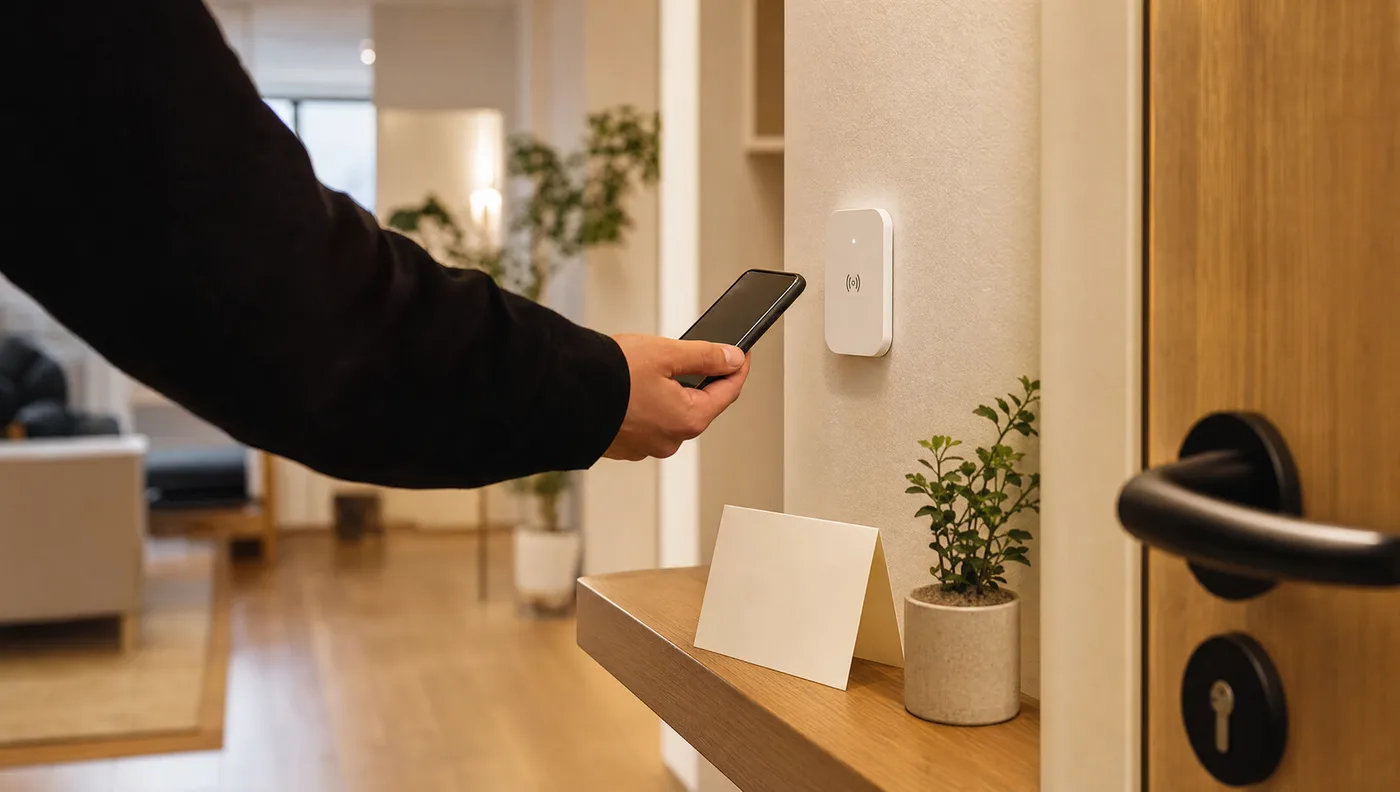
The One Badge Every Short-Let Host Should Have by Their Front Door
One Tapora NFC badge by the door gives guests instant access to WiFi, appliance instructions, and house rules — without a single message to you.
By Tapora
Every short-let host knows the messages. What's the WiFi password? How do I work the coffee machine? Where are the bin bags? What time is checkout? The same questions, every single guest, no matter how thorough your welcome note. One Tapora NFC badge by the door answers all of them before the guest even takes their coat off.
One tap, everything they need
Tap the badge with any smartphone and guests land on a page you control — a single, well-organised link hub with everything relevant to their stay. No app to download. No PDF buried in an email from three weeks ago. Just instant access to everything, from the moment they walk in.
WiFi without the awkward card
The WiFi password is the first thing every guest asks for. A printed card gets lost, photographed badly, or ignored entirely. When you link your Tapora badge to a page that includes your network name and password — or better, a direct WiFi QR code — guests connect in seconds without asking you anything.
If you ever change the password between stays, you update the link once from your dashboard and every future guest sees the new one automatically. The badge never needs replacing.
Appliance instructions guests will actually find
The coffee machine manual is in a drawer somewhere. The TV remote needs a specific sequence. The washing machine has a quirk that only makes sense if you know about it. Printed instruction sheets get ignored, and a folder of laminated cards feels like a budget hotel.
Link your badge to short video walkthroughs, YouTube tutorials for your specific appliance models, or a simple page you've put together with photos and steps. Guests watch a 90-second clip instead of messaging you at 8am.
- Coffee machine and kitchen appliances
- Smart TV inputs and streaming apps
- Heating and thermostat controls
- Washing machine programmes
- Any quirks specific to your property
House rules that get read
Booking platform messages get buried. A printed rules page in a welcome folder is skimmed at best. But a guest who taps the badge on their way in — curious about WiFi — will scroll through the whole page. That's the moment to surface your checkout time, noise policy, bin day, parking rules, and anything else that matters.
Because the content lives on a web page you control, you can update it between stays without reprinting anything. Add a seasonal note, adjust checkout time for a busy period, link to a local restaurant you want to recommend — it's all one edit away.
One badge, mounted once, working every stay
A Tapora badge sticks to any surface and survives the wear of guest after guest. Mount it near the front door, by the light switch, or at the kitchen counter — wherever guests naturally pause when they arrive. It's there for every stay without you lifting a finger.
- Set your link page once — update it any time from your dashboard
- Works on every iPhone and Android without an app
- Printed QR code on the badge as a backup for older phones
- No ongoing costs per guest, no consumables, no reprinting
Stop answering the same messages
The goal isn't just convenience — it's reclaiming your time. Every question a guest doesn't need to send you is a message you don't need to answer. A well-set-up Tapora badge by the door is the simplest guest experience upgrade available, and it costs less than a single night's hosting fee.
Continue reading
NFC Guides
How Restaurants Get More Google Reviews Without Awkwardly Asking
The quiet system behind restaurants that stack up 5-star Google reviews: make leaving one a single tap, at the exact moment guests are happiest.
NFC Guides
Stop Answering the Same Airbnb Guest Questions: Put Your House Manual on a Tap
WiFi codes, appliance quirks, checkout steps. Give guests a house manual they reach with one tap, and stop answering the same questions at 11pm.
Guides
One Link, Many Destinations: Using Redirect Kinds to Run Campaigns
The smartest thing you can do with an NFC tag is not hardcode the destination. Tapora links don't point to your final URL — they point to a short URL you control, which means the same physical tag can route to a menu in January, a Valentine's promo in February, and a Google re…